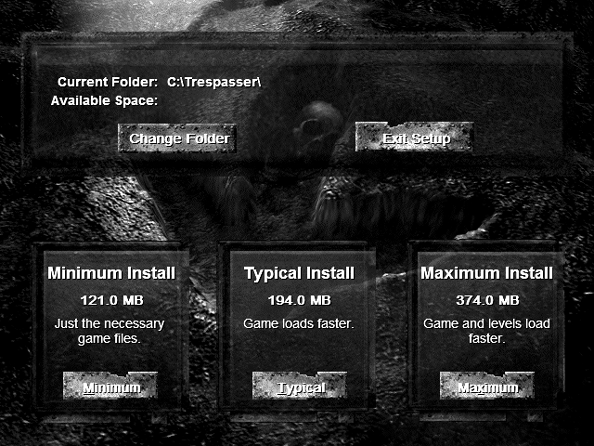
Harddrive installation
1) Copy all contents (including hidden files) of the Trespasser CD to a hard drive directory, for example, C:\Trespasser\CDfiles.
2) Remove the Trespasser CD. This may seem very obvious, but it is required for the harddrive installation to work.
3) Run the setup95.exe program found in the C:\Trespasser\CDfiles\setup folder. If the installer doesn't run, try using Windows 95 compatibility mode.
4) For best performance, select the maximum installation.