Mouse Head/Arm Controls
Turn: Move mouse left or right
Reach with hand: Hold left mouse button
Grab object: Hold left mouse button + right mouse button
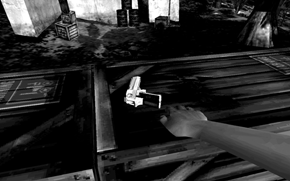
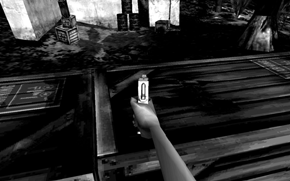
Move arm: Hold left mouse button + move mouse
Rotate arm: Hold ctrl + left mouse button + move mouse
Rotate wrist: Hold shift + left mouse button + move mouse
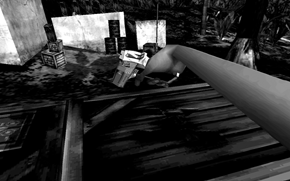
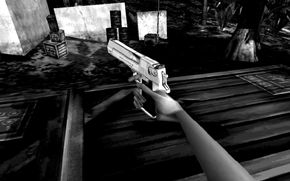
Drop object: Click right mouse button
Navigation
Press and hold S to walk. This will move you at a cautious pace, and help you survive narrow passes and dangerous cliffs.
To run, press and hold W. This will move you quickly over open terrain and assist in making long jumps.
To sidestep to the left, press and hold A. Press and hold D to sidestep to the right. Both of these keys can be used in conjunction with the run/walk keys to help evade predators.
Press Q to jump. If you hit the jump key while moving, you will jump in the direction you are currently travelling. The faster you go, the farther you jump. When unable to make a jump, hold down the W key while repeatedly pressing the Q key to jump. This will result in jumping short distances, allowing to jump further than would be possible with a single jump. This technique also works well with steep slopes.
To run backwards, press and hold X. Your backwards speed is slower than your forward speed.
To crouch, press and hold Z. This will help you navigate through tight places, and will also help you keep steady on long narrow beams.
Pick up an object
Press and hold the left mouse button to extend Anne's hand. Once her hand gets close to the object, press the right mouse button to pick up or grab the object. If Anne can only hold the object for a short time, it is most probably too heavy to carry. In that case, it can only be dragged. If Anne cannot pick up or grab a certain object, it is not meant to be moved.
Move an object
To move an object using your arm, just click and hold the left mouse button, then move the mouse. To move an object using your wrist, hold down the SHIFT key, then click and hold the left mouse button and then move the mouse to orient the object. To rotate your arm, hold down the CTRL key, then click and hold the left mouse button. Move the mouse to the right to rotate the arm clockwise or left to rotate counter-clockwise.
Drop an object
While holding an object, just click the right mouse button to drop the object.
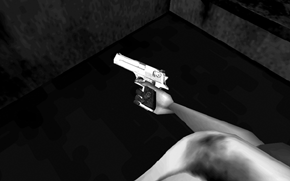
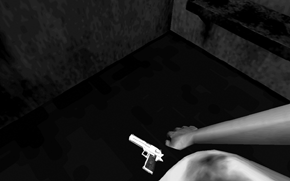
How to store an object
To store an object, press the E key while holding it. Depending on its size, it will be stored on either your belt or back. To retrieve the object, press the E key again. Only one object can be stored at a time. If an object cannot be stored, it is possibly to big and/or heavy.
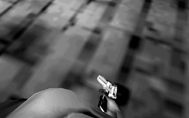
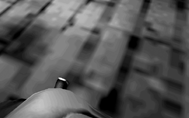
Throw an object
While holding an object, turn and look in the direction you wish to throw, then press the F key. If an object is out of reach, a rock or similar object can be thrown against it to make it fall down. Throwing is not very effective against dinosaurs. It's better to strike them with an object rather than trying to throw it against them.
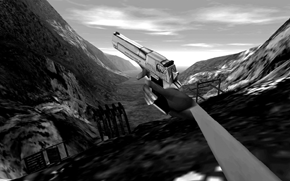
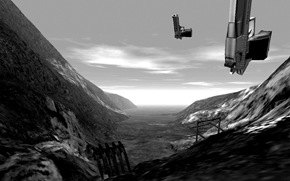
Swing an object
To hit an object, grab the object you wish to swing and then make sure that your desired target is in the centre of the screen. Press the SPACE BAR to swing. You will swing through the centre of the screen, striking your target. If you are holding a gun, you will fire the gun until it is out of ammuntion, then you will swing it.
Shoot a gun
Depending on the gun, either press the SPACE BAR to fire a single round or hold it to fire automatic weapons. Anne's voice will signify when a gun is running low on ammunition. Once a weapon is empty, it cannot be reloaded.
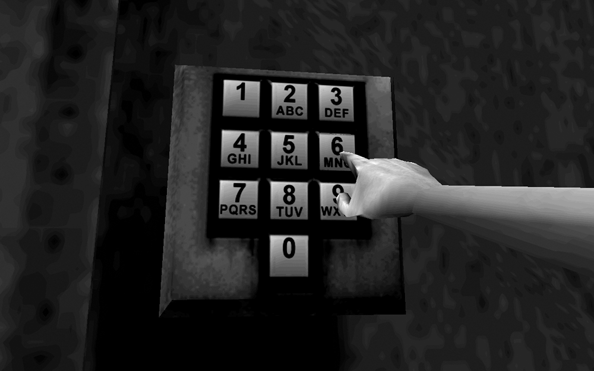
Pushing buttons
Press and hold the left mouse button to extend Anne's hand until it extends her index finger. When close enough to the right button, press the right mouse button to push it. When a beeping sound is heard, release the right mouse button and move Anne's finger to the next button.
If a wrong button is accidentally pressed, push some more buttons until a buzzing sound is heard. This indicates that there has been a reset and the console is ready for the input of the code.
Keycard usage
Press and hold the left mouse button to move the keycard in Anne's hand to the associated cardreader. Place the keycard against the cardreader to unlock the corresponding lock.
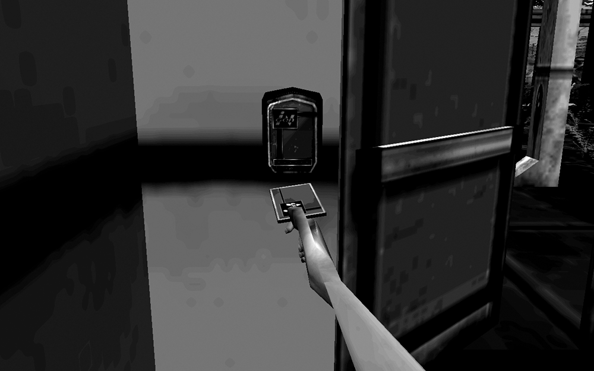
Push an object
Walk against an object or extend Anne's hand to push it out in front of her.
Pull / Drag an object
Grab an object and walk backwards or move Anne's arm to drag it or pull it open.
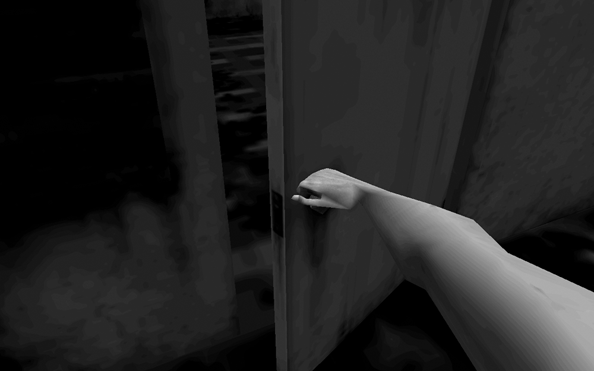
Gauge health
The heart-shaped tattoo on Anne's chest represents her health. If she gets hurt, two things will happen:
1. The screen will flash gray, indicating that Anne has taken damage.
2. The heart tattoo on Anne's chest will begin to fill in with red.
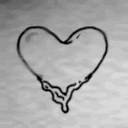
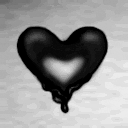
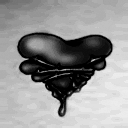
Anne's health will be replenished automatically over time. If the tattoo is completely filled in and wrapped in barbed wire, Anne is dead.
Replay a voiceover
Voiceover fragments mostly consist of Anne's thoughts that take place in her head. Occasionally Anne will think out loud, such as when she reacts to an event or a particular location. The John Hammond fragments represent Anne's memories of reading his book.